Print files
Canvas Print File Size at 300 DPI (Including Wrap)
Canvas files need the front face plus wrap inches — usually 300 DPI for smaller canvases, 150 DPI for large wall pieces. Keep faces and text out of the wrap zone.
Direct answer
Canvas print file size equals the front's width and height plus wrap on every side, converted to pixels at whatever DPI your template calls for — often 300 for smaller canvases, 150 for larger ones. Example: a 16×20 canvas with a 1.5 in wrap on each side needs 19×23 in of image, or 5700×6900 pixels at 300 DPI. Always download your print partner's actual template rather than uploading a trim-size 16×20 JPEG and hoping the sides stretch.
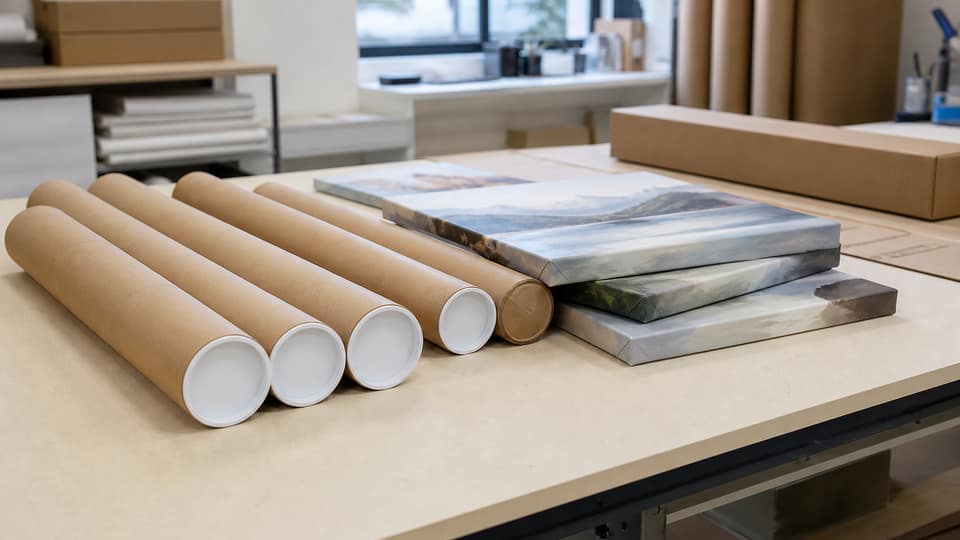
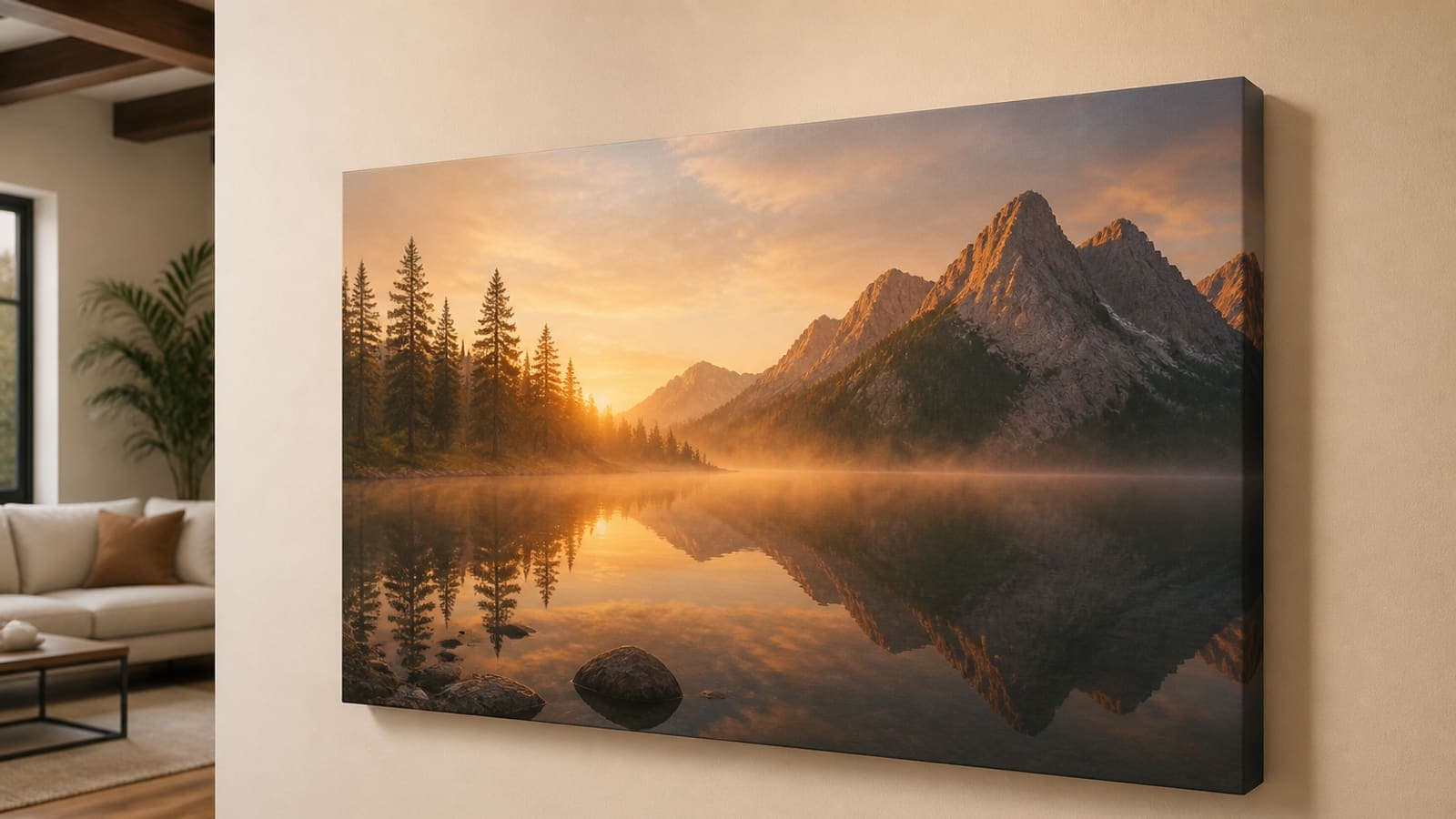
Paper posters trim to size. Canvas wraps around the frame. A face sitting near the left edge of a landscape shot will fold around the stretcher bar and end up looking like a cropped ear in someone's living room. That's exactly why POD dashboards shade a wrap zone on their templates — and artists still upload 8×10 JPEGs into 16×20 canvas slots anyway.
Treat this guide as the mental model, not a substitute for whatever PNG template your print partner currently ships. Always read the live template first.
- 1
Download the current canvas template
Note the wrap size, DPI, and exact pixel dimensions.
- 2
Pin the subject in the safe zone
Never in the wrap area.
- 3
Export to the template's pixel box
Front plus wrap — never a trim-only file.
- 4
Upload that file to the POD SKU
Keep it separate from your Etsy mockup image.
Front size plus wrap equals your real pixel box
A 12×16 front with a 1.5 in wrap on every side becomes 15×19 in of actual artwork. At 300 DPI, that's 4500×5700 pixels; at 150 DPI, it's 2250×2850. Your print shop's template tells you which DPI applies.
Corners fold and lose the most detail — signatures and small type near the edge tend to vanish entirely. Keep anything you care about well inside the safe zone, away from the wrap.
| Part | Inches | Pixels at 300 DPI |
|---|---|---|
| Front only (wrong file) | 16 × 20 | 4800 × 6000 |
| + 1.5 in wrap each side | 19 × 23 | 5700 × 6900 |
| Typical 150 DPI large canvas | 19 × 23 | 2850 × 3450 |
Keep the focal point inside the safe zone
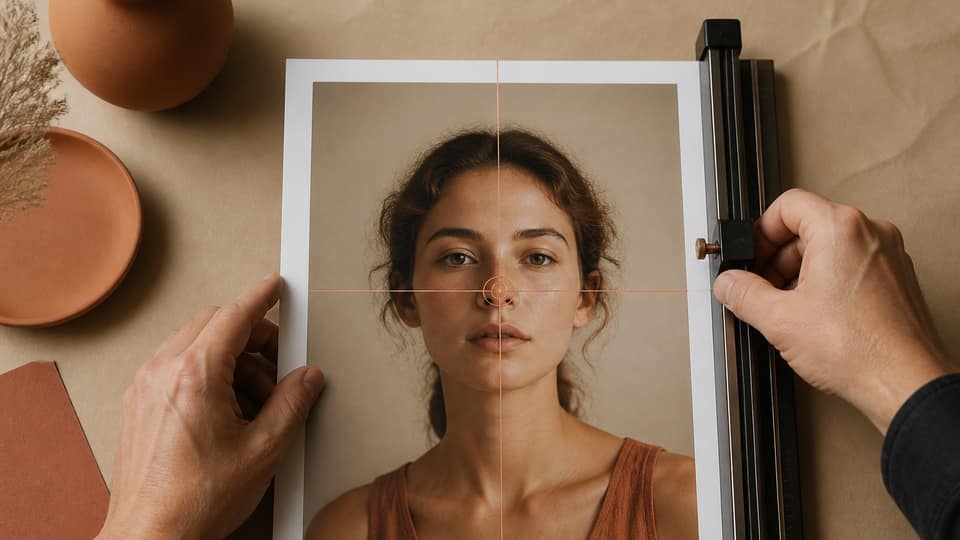
Pin an eye, or a product, so it lands on the visible front — not near the wrap. The focal-point crop method shouldn't leave a face sitting half an inch from the fold line.
Edge-to-edge patterns wrap without much trouble. Portraits are far less forgiving. For a tight headshot, offer paper instead, or size up to a larger canvas so the wrap only touches background.
Prep in Studio, finish in the template
Use Studio to crop a custom ratio matching your template's full inches — front plus wrap — then export at 300 DPI and drop that file into Printful or Gooten's generator. Alternatively, crop to just the front and let their tool add the wrap, if it mirrors edges. Mirroring a face usually looks worse than simply handing over more image.
If your print partner's actual pixel requirements disagree with anything here, Printful, Gooten, or your local shop always wins — this article is a starting point, not the final word.
150 DPI canvas isn't automatically a shortcut
A 40×60 canvas at 150 DPI is still a genuinely large pixel file. A 12×12 canvas at 150 DPI, on the other hand, will look soft in an office viewed from two feet away. Match DPI to viewing distance and to the template's actual spec — not to a rumor that canvas is always 150 DPI.
FAQ: canvas print file size 300 DPI
Do canvas prints need 300 DPI?+
Small canvases viewed up close often do. Large wall canvases may specify 150 DPI on the template — always follow the SKU's actual spec.
How do I calculate wrap pixels for canvas?+
Add the wrap inches to each side of the front dimensions, then multiply the total by the template's DPI.
Can I use a poster file for a canvas print?+
Only if it already includes wrap, or your print shop mirrors the edges automatically. Most poster files are trim-size and will stretch at the sides otherwise.
Where should the focal point go on a canvas?+
On the front, with margin from the wrap. Gallery wrap will hide the outer inch or more of the image.