Print files
sRGB vs CMYK for Etsy Print Files
Most Etsy print-on-demand partners want sRGB JPEGs, not CMYK. Sending the wrong color profile makes greens look dull or reds glow neon on paper.
Direct answer
For most Etsy print-on-demand paper products, export sRGB JPEGs at 300 DPI. Only use CMYK when a local offset or packaging printer specifically requests it — and tells you which profile. Adobe RGB and Display P3 files often turn dull or neon once a shop assumes sRGB, so convert before you upload.
Color space isn’t the same thing as DPI, but it gets blamed for the same complaint: “my print looks different from my screen.” Phones shoot in a wide color gamut. Cheap print-on-demand takes sRGB in and CMYK ink out, doing the conversion itself. You can’t control the press — but you can stop feeding it the wrong profile.
If a template doesn’t mention color space, assume sRGB. If it names something specific, like Coated FOGRA39, trust the template over this guide.
What each color space is actually for
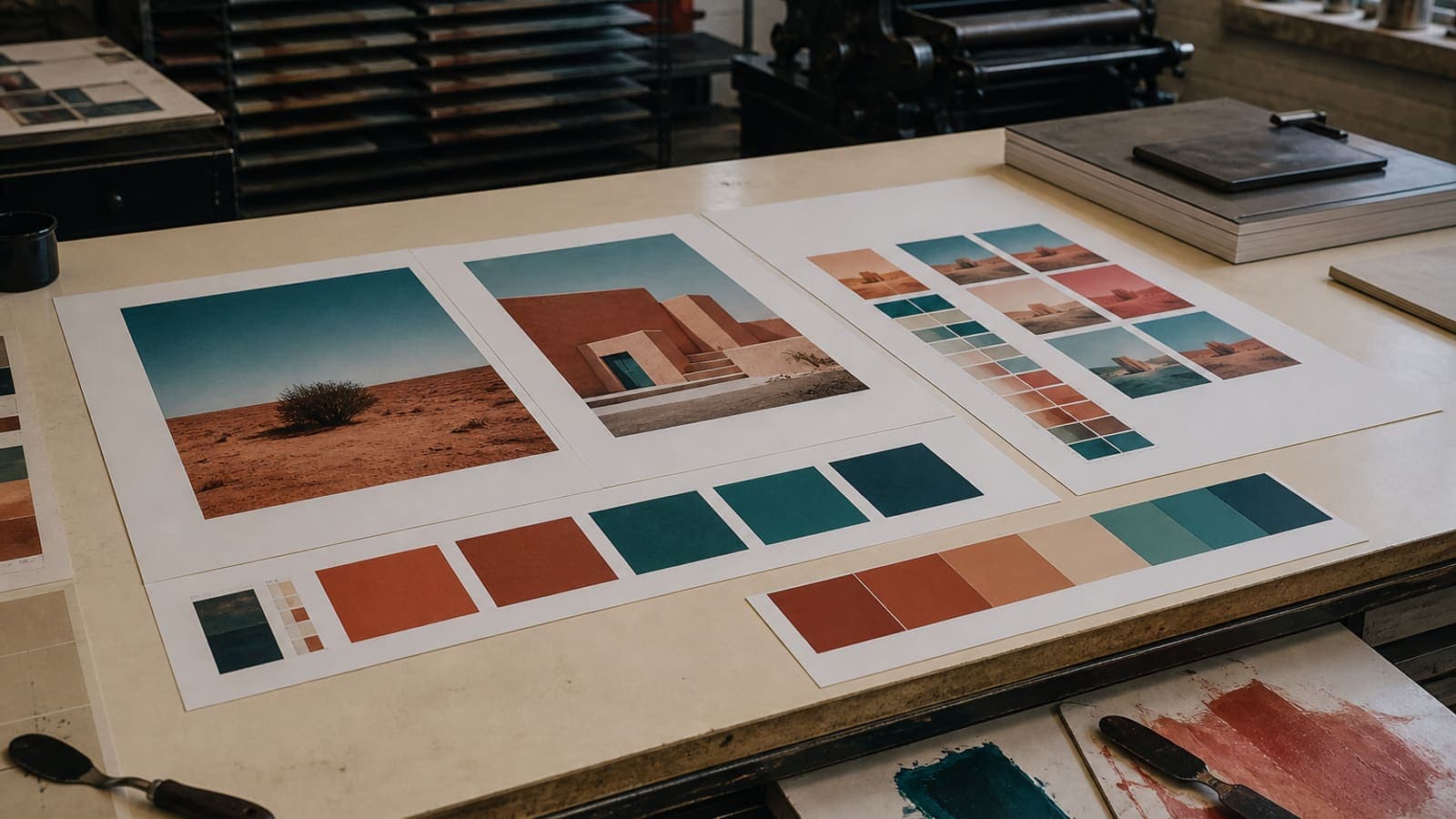
sRGB covers the web, phones, and nearly all print-on-demand. CMYK is for ink on paper through a color-managed print shop. Adobe RGB shows up in some photo archives — convert to sRGB for Etsy unless your press is specifically set up for it. Display P3 is what iPhones shoot in; convert that to sRGB before production too.
| Destination | Usual request |
|---|---|
| Printful / Printify / Gooten paper | sRGB JPG |
| Etsy listing photo | sRGB (web) |
| Local inkjet “photo paper” | Ask; often sRGB JPG |
| Offset brochure / packaging | CMYK PDF/X as specified |
Convert first, then crop
If your original is P3 or Adobe RGB, convert it to sRGB in a color-managed app first, then crop and export at 300 DPI. Converting a tiny Instagram export won’t bring the greens back — the color data has to exist before you can convert it.
Reopic’s exports target the sRGB most POD partners expect. A CMYK offset job still needs the printer’s own conversion rules.
Soft-proof before you list twelve sizes
Order one 8×10 of your most colorful piece before adding every size to the listing. Screens are backlit; paper isn’t. A neon illustration is the usual surprise here, not a DPI problem.
If reds are clipping, pull the saturation down slightly in the original file. Don’t switch to CMYK in Photoshop and guess at a profile.
File type still matters, too
See our comparison of JPG vs PNG vs WebP: photographs export best as high-quality JPG in sRGB, while type-heavy graphics do better as PNG, still tagged sRGB unless told otherwise. DPI and color profile are two separate stamps on the same file.
FAQ: sRGB vs CMYK Etsy prints
Should I convert my Etsy prints to CMYK?+
Usually not. Most POD partners want sRGB and handle the ink conversion themselves. Use CMYK only when a local press names a specific profile.
Why does my print look duller than it did on my iPhone?+
iPhones often shoot in Display P3 on a backlit screen. Paper is closer to sRGB under reflected light. Convert to sRGB first, and expect a slightly quieter, more accurate print.
Does 300 DPI include the color profile?+
No. DPI is pixels per inch; color profile is how those pixels translate to color. You need to get both right.
Is Adobe RGB better for printing?+
Only inside a workflow built to keep Adobe RGB all the way to the press. Most POD partners will treat it as sRGB and shift your colors.