Print files
11x14 Print Size in Pixels at 300 DPI
11×14 at 300 DPI is 3300×4200 pixels — and it's not the same shape as 8×10. Here's the exact crop, the pixel math, and how to export it right.
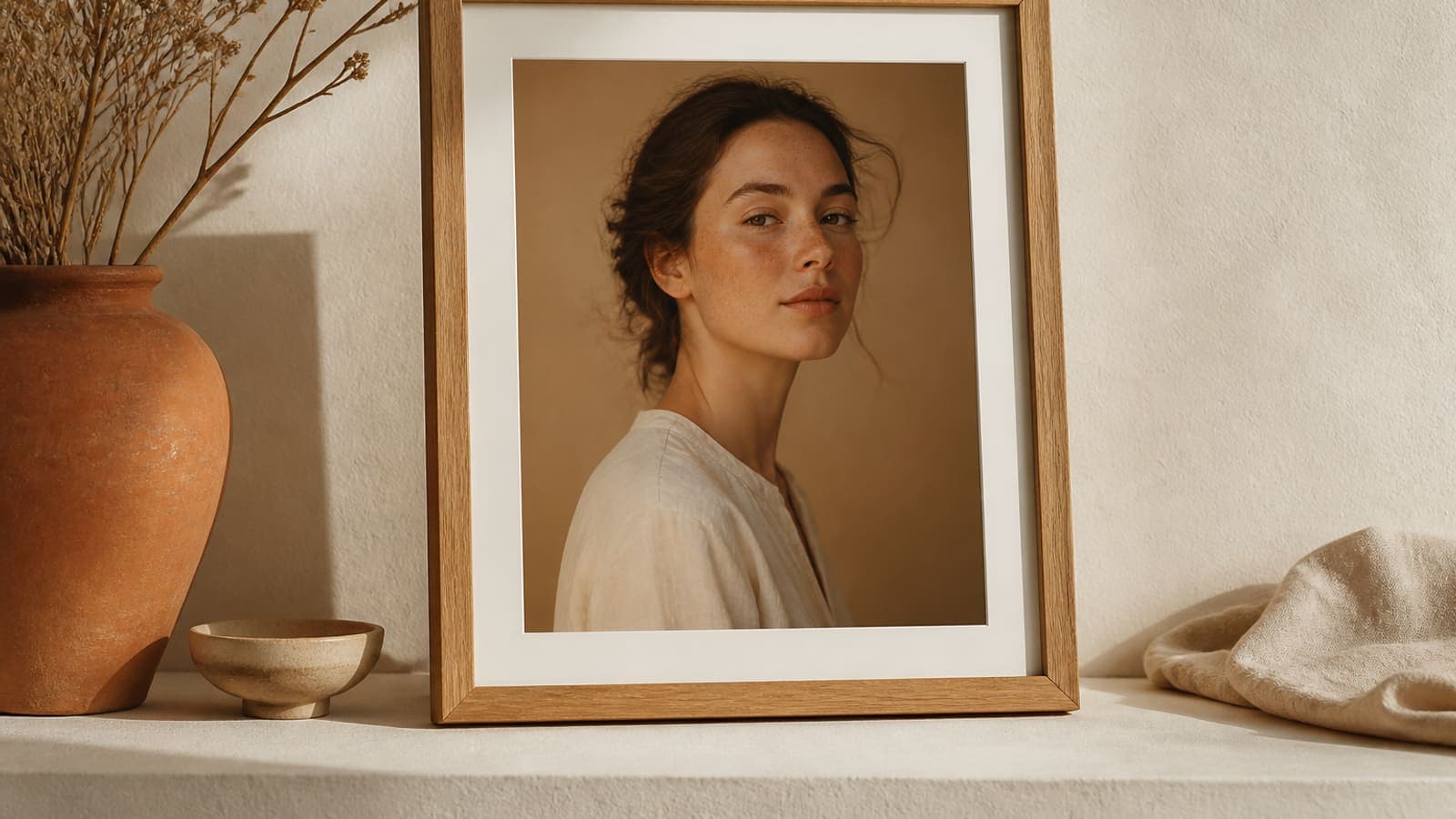
Direct answer
An 11×14 inch print at 300 DPI is 3300×4200 pixels in portrait, or 4200×3300 in landscape (11 × 300 by 14 × 300). The ratio is 11:14, not 4:5, so an 8×10 file will crop awkwardly or leave borders if you force it into an 11×14 frame. Pin the subject, crop to 11×14 on its own terms, then export at 300 DPI.
11×14 is the frame size people reach for when 8×10 feels a little small and 16×20 feels like a statement piece. It's also the size Etsy sellers most often fake by simply stretching an 8×10 file. Buyers with a real 11×14 moulding on the wall notice — a chopped chin, or a mat with too much empty space.
The pixel math is easy. Getting the crop right is the actual work. 11 ÷ 14 ≈ 0.786, while 8 ÷ 10 = 0.80. That's a small gap on a thumbnail and a visible one on a wall, so it pays to treat 11×14 as its own crop — not a resize of something else.
- 1
Start from the largest original
After an 11:14 crop you still need 3300 pixels on the short side.
- 2
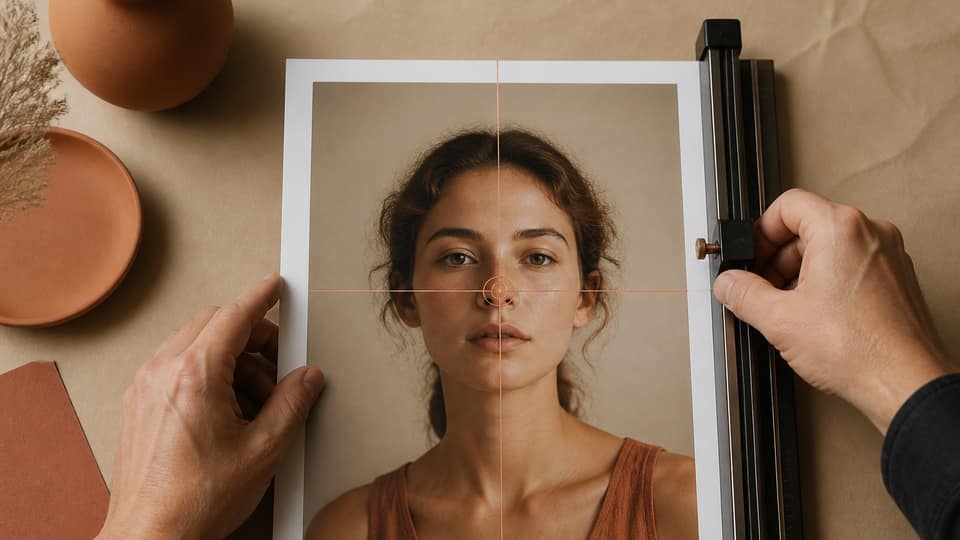
Pin the subject
11×14 eats different edges than 8×10.
- 3
Set size to 11×14 in
3300×4200 portrait or 4200×3300 landscape.
- 4
Export at 300 DPI
JPG for photos, PNG for type, sRGB unless specified.
The exact pixels for 11×14
Portrait comes out to 3300×4200, and landscape (14×11) flips that to 4200×3300. At 150 DPI — sometimes used for fabric — the same frame is only 1650×2100, so don't mix that number in with a paper order. If a print partner asks for bleed at 0.125 in per side, the canvas grows to 11.25×14.25 in, or 3375×4275 pixels.
8×10 is 2400×3000 — a familiar gift-frame size, but a different crop entirely. 16×20 is 4800×6000 and shares the 4:5 ratio with 8×10, not with 11×14.
8×10 · 4:5
11×14
12×18 · 2:3
16×20 · 4:5
| Size | Ratio | Portrait pixels |
|---|---|---|
| 8 × 10 in | 4:5 | 2400 × 3000 |
| 11 × 14 in | 11:14 | 3300 × 4200 |
| 12 × 16 in | 3:4 | 3600 × 4800 |
| 16 × 20 in | 4:5 | 4800 × 6000 |
Why an 8×10 file doesn't just become 11×14
Scale a 2400×3000 file up to 3300×4200 and you're inventing pixels — the print goes soft. Pad the 4:5 shape out to fit 11:14 and you get borders you didn't design. Stretch it, and faces get visibly longer. The only clean path is a fresh crop from the original, built around the focal point rather than forced into a shape that was never meant to fit.
Phone photos that barely clear 8×10 after cropping can sometimes still make 11×14 — it depends on what's left after the 11:14 window is applied. Many 12 MP camera files have enough resolution. Downloads pulled from Instagram usually don't.
How to export 11×14 from Reopic
Open Studio, pin the subject, and add 11 × 14 in (or 14 × 11 for landscape). Export Artwork when you're happy with the crop. The free plan allows three custom ratios a day, so it's easy to pair 11×14 with 8×10 and 5×7 in one sitting. Pro unlocks a full catalog ZIP for $33 lifetime.
Making the listing match the file
Name the variation "11×14 in" clearly, and upload the actual 3300×4200 file to that SKU — not the 8×10 one. Mockups should reflect the slightly taller window too, so buyers aren't surprised once it's on the wall.
If you also sell 11×14 matted inside a 16×20 frame, treat that as a separate product line: the print itself is still 11×14 pixels, and the mat is just packaging around it. Don't export a 16×20 crop and label it 11×14.
FAQ: 11x14 print size pixels 300 DPI
How many pixels is 11x14 at 300 DPI?+
3300×4200 pixels for portrait 11×14, or 4200×3300 for landscape 14×11.
Is 11x14 the same as 8x10?+
No — 8×10 is a 4:5 ratio, while 11×14 is 11:14. They need two different crops from the same photo, not one resized file.
Can I upscale an 8x10 to 11x14?+
You can interpolate the pixels, but you can't recover detail that isn't there. Export 11×14 straight from a larger original, or leave that size off the listing.
What about 11x14 at 150 DPI?+
That works out to 1650×2100 pixels. Only use it when a fabric print or large-format template specifically calls for 150 DPI.