Print files
Free 300 DPI Image Resizer for Etsy (No Account, Browser-Only)
Resize one photo a day to three custom print sizes at 300 DPI, with no login required. Files stay on your device. Pro is $33 lifetime if you need batch ZIP.
Direct answer
A free 300 DPI image resizer for Etsy should crop to your print size, export enough pixels (inches × 300), and stamp the file 300 DPI — all without requiring an account. Reopic's free plan covers 1 source image a day and 3 custom ratios, entirely in the browser. That's enough to export an 8×10, an 11×14, and an A4 from a single photo. Pro is a one-time $33 for unlimited images, ratios, and ZIP folders.
Most "free resizers" online are really web-optimization tools — they spit out 72 DPI JPEGs built for page speed. Print shops either reject those files outright or print them noticeably small. What you actually want is a print resizer: custom inches, a 300 DPI tag, and a crop that doesn't accidentally delete your subject.
You'll also want the original to stay right on your laptop. Camera files of paintings and client portraits shouldn't be handed off to some unknown converter site. Browser-only processing is simply the right default for any free tier worth using.
- 1
Open Reopic Studio
No signup — the photo stays on your device.
- 2
Drop one original and pin the subject
Use the largest file you have, not a mockup.
- 3
Add up to three custom print sizes
Inches, centimetres, or millimetres.
- 4
Export Artwork
JPG, PNG, or WebP, tagged 300 DPI.
What "free" actually includes
Reopic's free plan gives you 1 source image per day and 3 custom ratios — no email wall, and the file never leaves your browser. That's enough to find out whether an 8×10 at 2400×3000 looks like a genuine print file or just a stretched screenshot.
Once you're listing ten sizes across ten paintings, the daily limit becomes the actual point of upgrading. Pro Studio is a one-time $33 for unlimited images, unlimited ratios, and ZIP folders per artwork — but it's worth trying free first.
Using the free resizer for a real listing
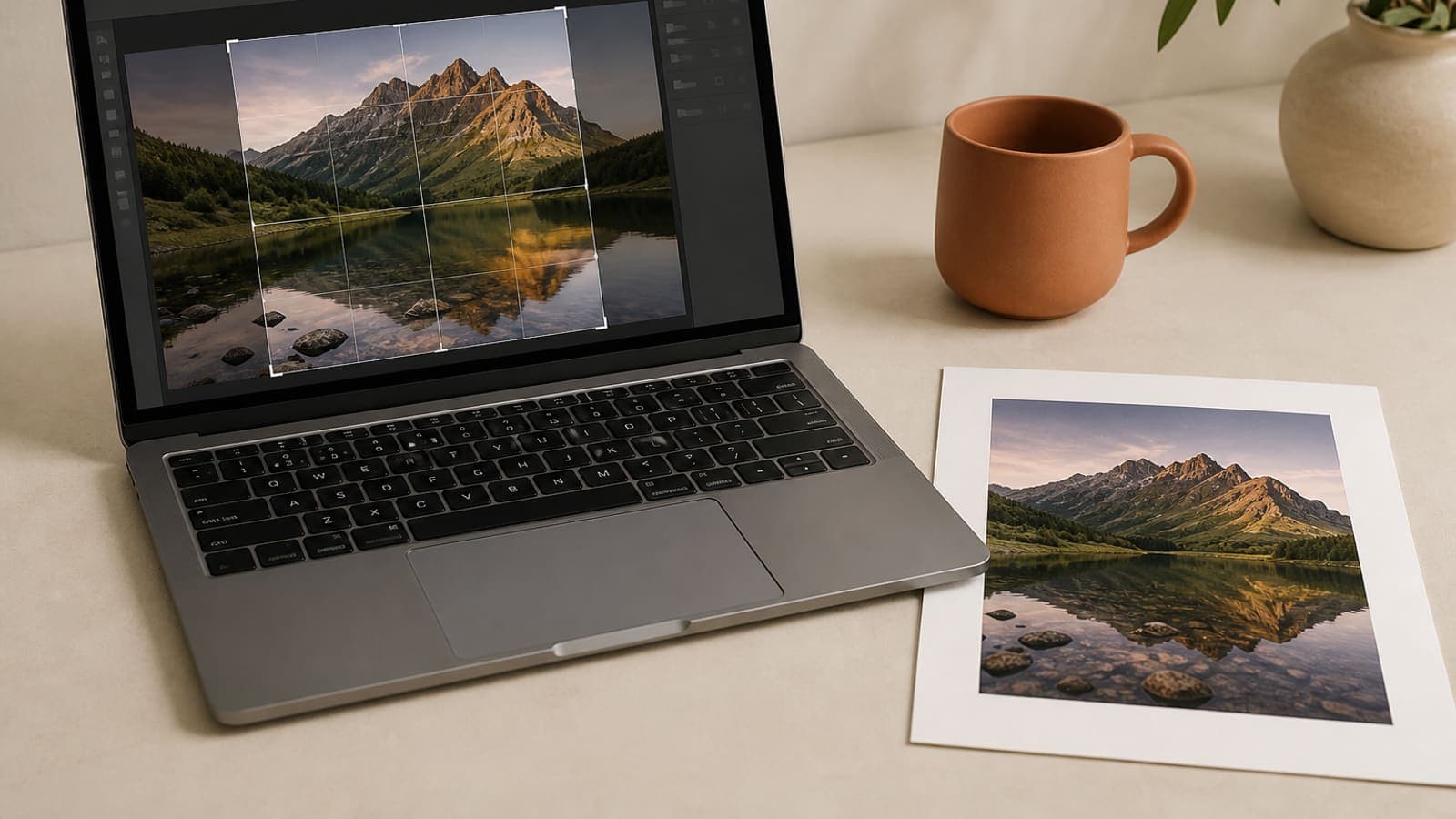
Open Studio. Drop in one photo. Click the focal point. Add the three sizes you actually sell — say, 8×10 in, 11×14 in, and 210×297 mm. Export Artwork as JPG or PNG.
Then check the downloaded pixel dimensions against the tables in the 8×10 and A4 guides. If the numbers line up and your subject is fully in frame, you've got a real production file. Replace the image tomorrow if you're still on free, or upgrade once you need batch ZIP.
| Free | Pro ($33 lifetime) | |
|---|---|---|
| Source images | 1 per day | Unlimited |
| Custom ratios | 3 per day | Unlimited |
| Focal-point crop | Yes | Yes |
| JPG / PNG / WebP at 300 DPI | Yes | Yes |
| Batch ZIP by artwork then size | No | Yes |
| Account required | No | No — license key on this device |
What a free print resizer should never do
It shouldn't upsample an 800-pixel file and slap a 300 DPI label on it. It shouldn't crop only from dead center. And it shouldn't silently convert everything to sRGB in a way that wrecks a CMYK job — Reopic is built for POD-style sRGB exports, so local CMYK shops will still need their own conversion step.
It also shouldn't box you into Instagram-only ratios. Custom aspect ratios are the entire product here — 11×14 and 5×7 aren't bonus features, they're the point.
Privacy and the license key
Processing stays entirely in the browser on both plans. Pro unlocks with a license key after checkout — not a login. Use the free daily limit as a way to decide whether batch export is actually worth paying for.
See pricing for details. And if all you needed was the pixel math itself, the 300 DPI Etsy guide walks through the long version.
Free resizers that waste a print shop's time
Generic "compress image" sites strip out DPI tags, shrink files down to 1200 pixels, and call it a day. Generic "change DPI" sites just rewrite the header on a 72 DPI thumbnail without touching the actual pixel count. Generic social croppers only offer 1:1 and 4:5. None of that produces a real Etsy production file.
A genuinely useful free tier stays intentionally small: one original, three real frame sizes, 300 DPI out. That's enough to compare your current Photoshop habit against a focal-point crop on an 8×10, 11×14, and A4. If the export matches the pixel tables, you can trust the same method on a full catalog later.
When to stay free, and when to buy the key
Stay on free if you're listing one photo a day, still testing sizes, or not yet sure 300 DPI is even your bottleneck — maybe the original is just out of focus. Buy the key once you've got an actual drop coming: ten paintings, five sizes, a VA waiting on a ZIP, or you're simply tired of repeating the same pin over and over.
The $33 license activates on whichever browsers you work in — paste the key, no account needed. The studio itself doesn't require a login either way.
FAQ: free 300 DPI image resizer
Is there a free 300 DPI image resizer that works in the browser?+
Yes — Reopic's free plan resizes 1 photo per day to 3 custom print sizes at 300 DPI, with no account needed. Processing stays entirely on your device.
Do I need to create an account?+
No. Free relies on a daily local limit, and Pro unlocks with a license key after payment — no login either way.
Why is free limited to one image?+
Print export is the actual product here. The free limit is generous enough to properly test an 8×10 — full catalogs and ZIP batches are what Pro is for.
Does free processing stay in the browser?+
Yes. Cropping and exporting run entirely on your device — Reopic never receives the photo, on free or Pro.